Coding, robotics and digital media for children and teens. Your child creates games, tests circuits and learns to communicate ideas, with guidance at every step.
LEARNING BY MAKINGAn idea. So many ways to build it.
Imagine.Experiment.Create.Share.
A WORLD OF POSSIBILITIES
From curiosity
to a first creation.
What will your child create? Explore each learning path and the skills they practise along the way.
01Ages 8–14
Robotics & Making
From a first circuit to a robot that responds to its surroundings.
Arduino · Sensors · Electronics
ONE STEP AT A TIME
Circuits → sensors and motors → automated systems → project
Explore this path
Build a traffic light, operate a barrier and discover how sensors help a robot avoid obstacles. Students connect components, program movements and test their solutions.
Practises logic, observation and problem-solving.
02Ages 8–14
Coding & Game creation
From an idea on paper to a working game or web page.
Scratch · Games · HTML, CSS and logic
ONE STEP AT A TIME
Commands → animations and interactions → original project → presentation
Explore this path
Beginners create characters, animations and Scratch games using sequences, decisions and scores. Intermediate students build HTML and CSS pages and explore logic, events and interactions. Both paths include planning, testing and presenting a project.
The starting point takes each student’s experience and progress into account.
03Ages 8–14
Digital Media
Ideas become scripts, images, voices and stories to share.
Storytelling · Video · Editing
ONE STEP AT A TIME
Idea → script → recording → editing → presentation
Explore this path
Students plan scripts, explore lighting and framing, record and edit videos, and take part in podcast activities. Lessons also explore public speaking, expression and thoughtful media use.
Practises communication, creativity and collaboration.
Projects are part of each learning path. The sequence and challenges vary with the group and each student’s development.
Each project starts with a challenge. Teachers guide students, observe their attempts and help them move forward. Planning, testing and explaining choices are all part of the lesson.
01 / EXPLORE
It starts with curiosity
Students explore the challenge, organise ideas and plan what they want to build.
02 / BUILD
Learn with your own hands
Students build, code or record. Teachers follow the process and suggest adjustments and new challenges.
03 / GROW
Trying is part of learning
Students test the result, identify improvements and present their discoveries. The sequence follows the group and each student’s progress.
REAL MOMENTS. REAL DISCOVERIES.
This is what
learning looks like.
See how classroom challenges connect hands-on creations with new ways of thinking. These images show activities at our school.
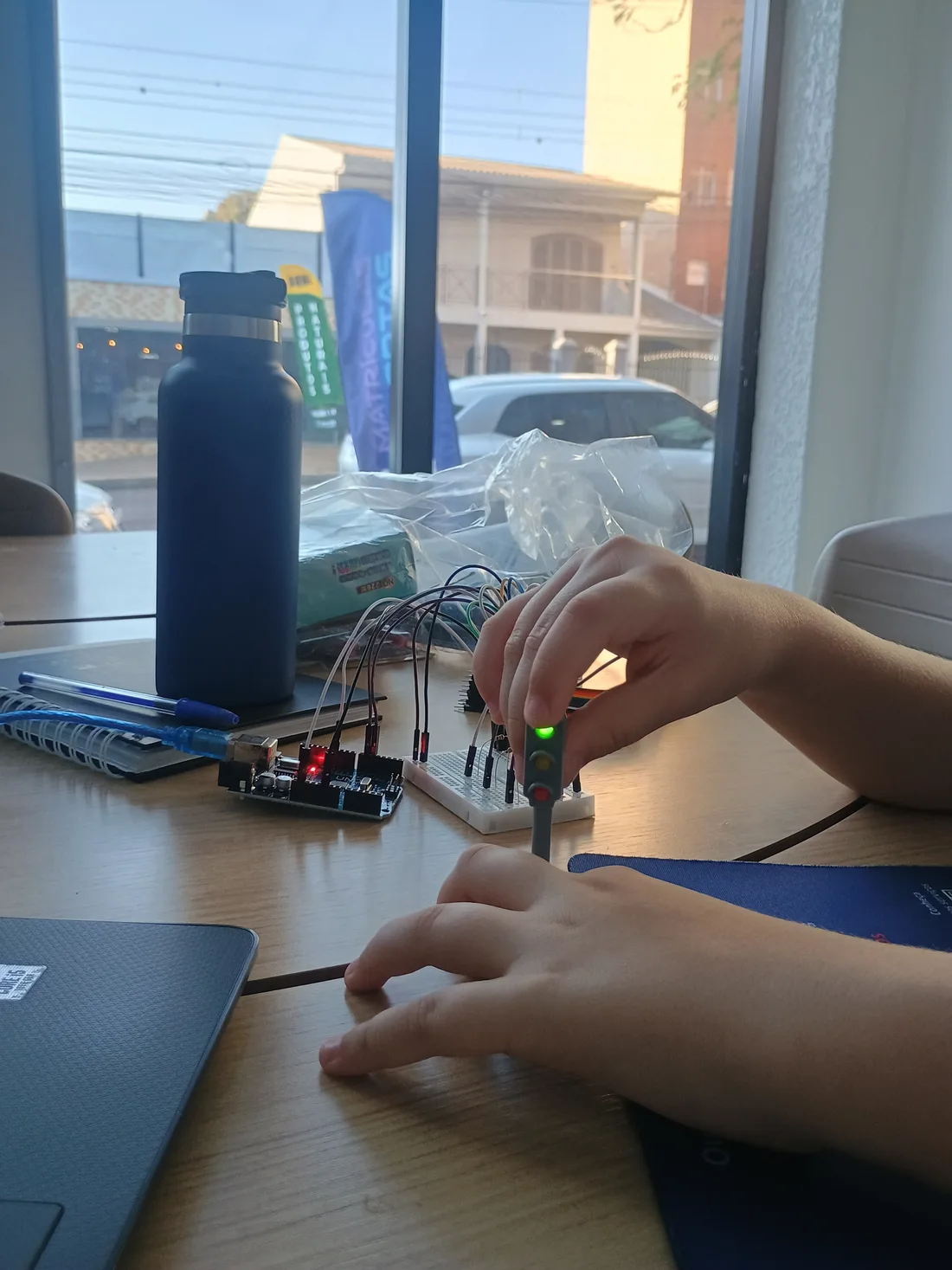
01 / ELECTRONICS
A traffic light that follows your instructions
The challenge is to switch the lights in the right sequence. Students build the circuit, program the timing and observe the result.
Skills practised: sequencing, attention to detail and identifying errors.
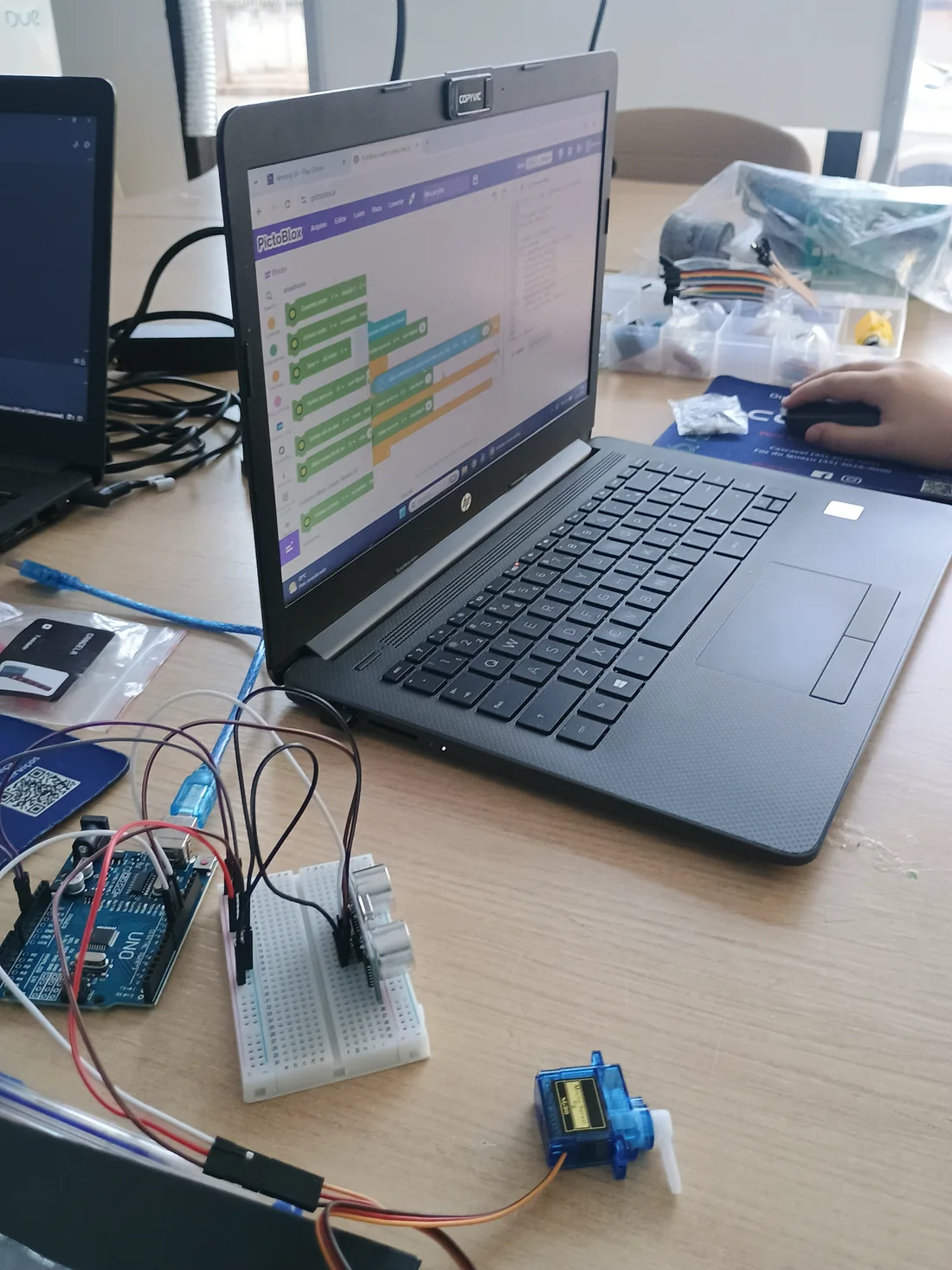
02 / CODING
On-screen commands. A circuit that responds.
Students arrange coding blocks and test how their instructions change the behaviour of electronic components.
Skills practised: logical thinking, cause and effect, and experimentation.
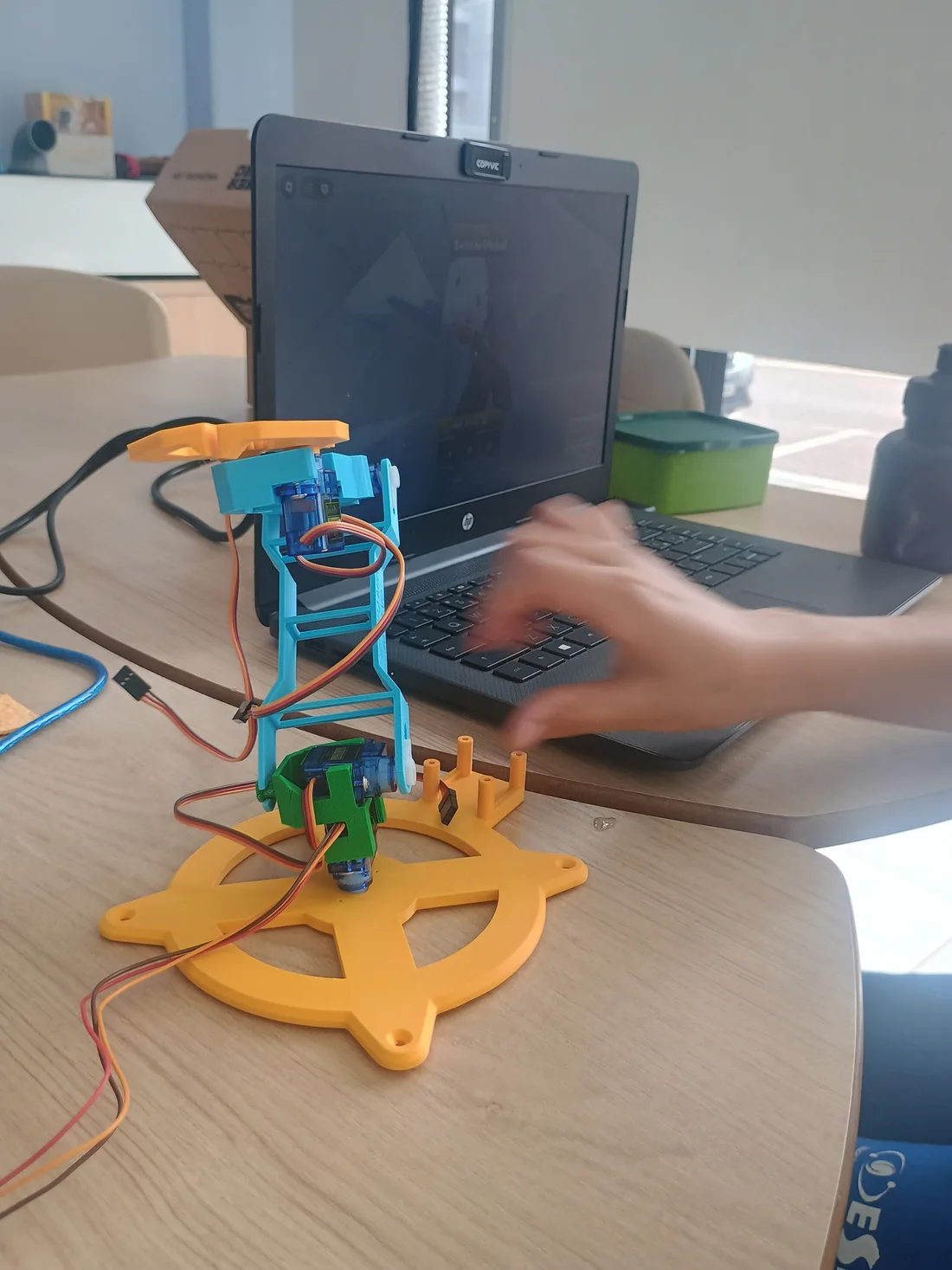
03 / ROBOTICS · SILENT VIDEO
One gripper, many attempts
While testing a robotic arm, students observe its joints and gripper and adjust movements to meet the challenge. Silent footage of a school activity.
Skills practised: observation, problem-solving and persistence through testing.
LEARNING THROUGH VOICE AND IMAGE
Every idea deserves
a good story.
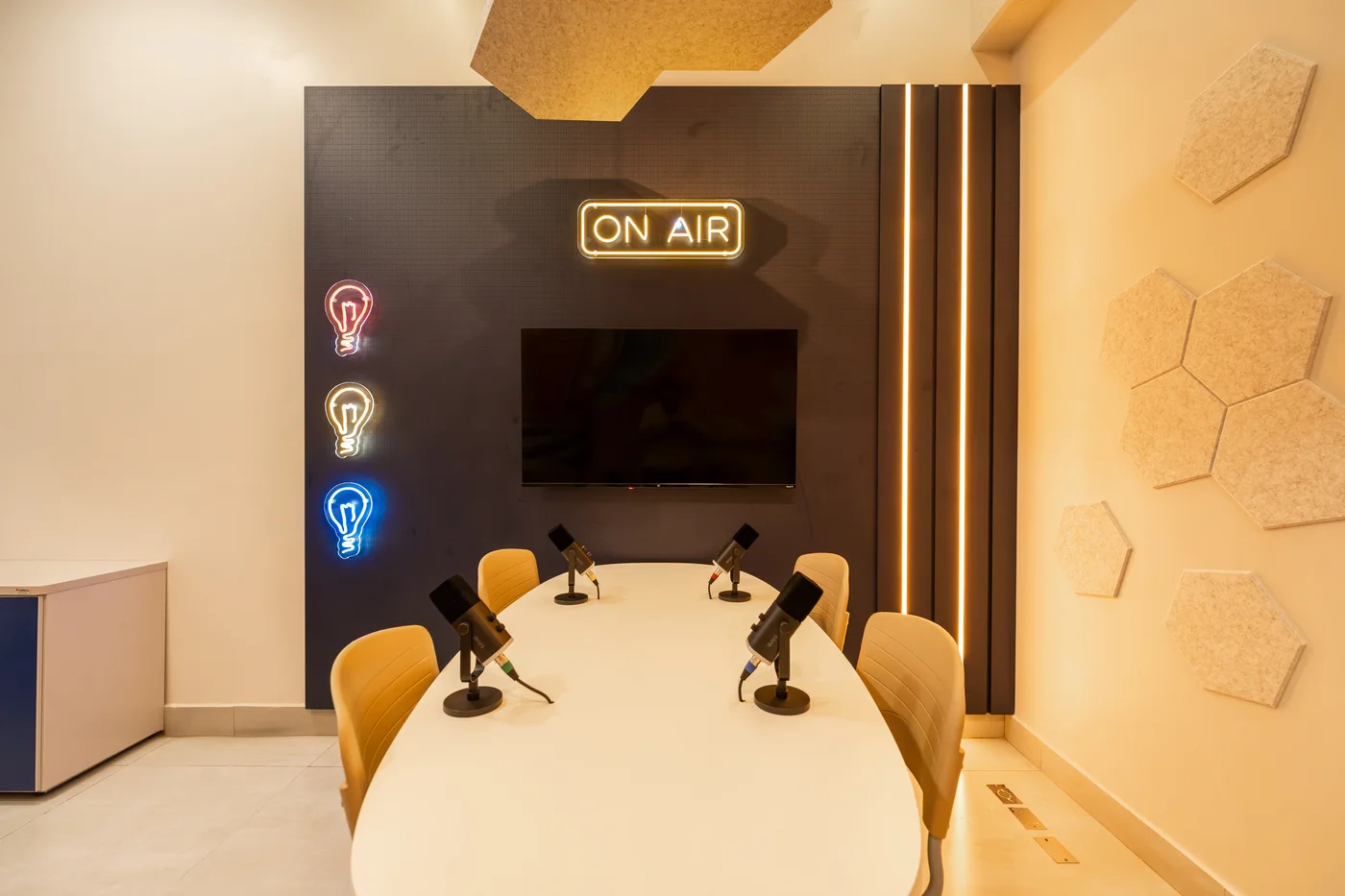
In Digital Media, students organise what they want to say, experiment with framing and learn to produce videos and podcasts. Our school studio provides space to put those ideas into practice.
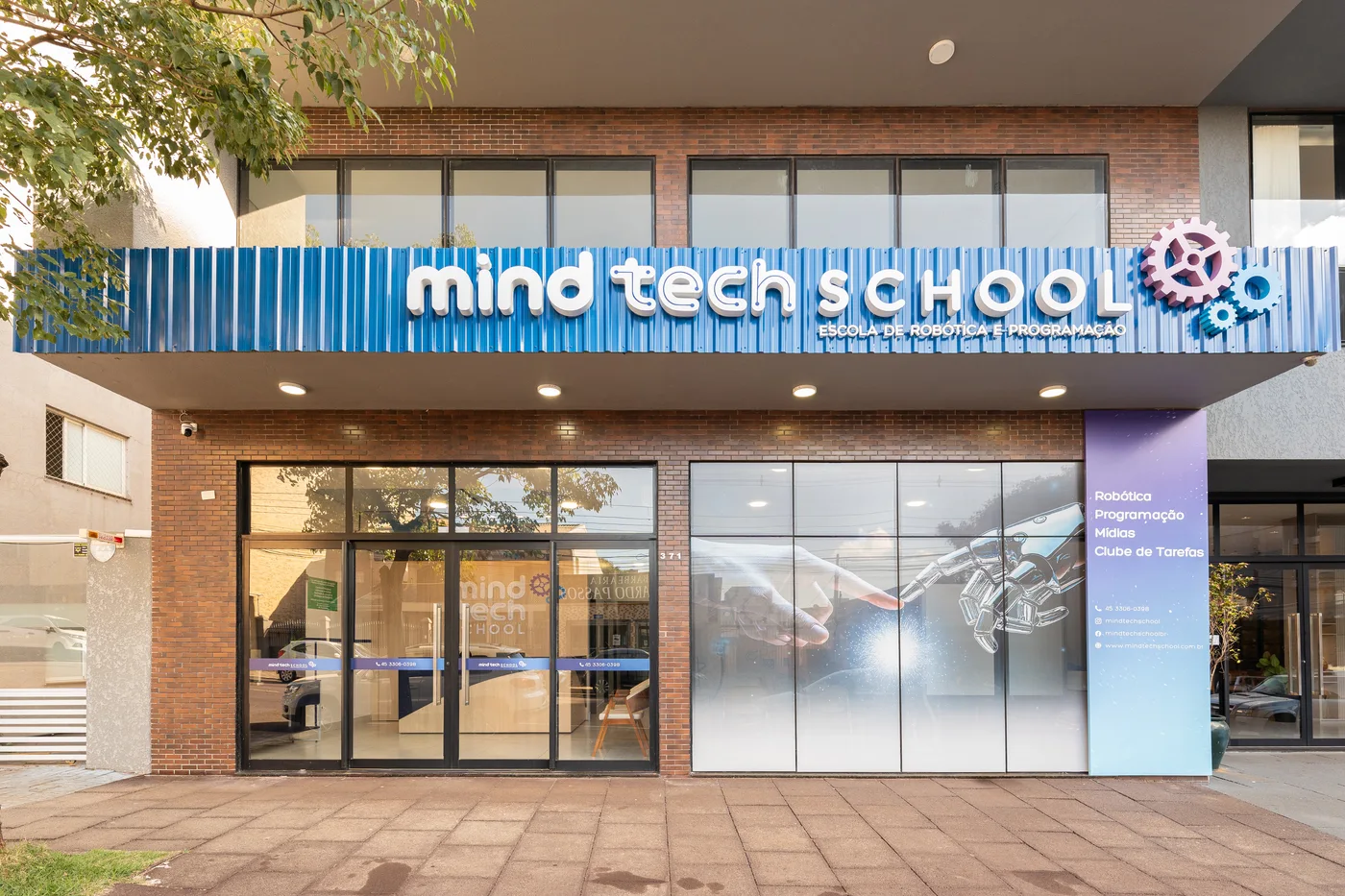
Our school in Cascavel, Paraná, Brazil brings technology and personal guidance together so kids and teens can learn by creating.
Cascavel, Paraná · BrazilRecording studio · A space for new voices
Up to 12students per group
8–14years of curiosity
Hands-onprojects in every path
LEARNING THAT FITS YOUR ROUTINE
Four hours a week.
New possibilities.
Combine interests and plan your child’s out-of-school learning with our team. Options depend on group and timetable availability.
01
Two activities
Two two-hour activities make up four hours a week. Examples include Robotics + Coding or Coding + Digital Media.
02
One activity, two sessions
The same activity across two two-hour sessions during the week, depending on group arrangements.
03
Technology + Homework Club
A technology path can be combined with support for schoolwork and study organisation. Ask about availability.
Every discovery
starts with a question.
Does my child need coding experience?
No coding experience is needed to begin. The beginner path introduces commands and logic through practical activities. Our team helps identify an appropriate starting point.
Do students need to bring a computer?
The school has computers for activities. Ask our team about materials and arrangements for your chosen group.
Where do classes take place?
In-person lessons take place at MindTech School in Cascavel, Paraná, Brazil. Explore our Facilities page or contact the team to arrange a visit.
Are classes taught in English?
The English website helps more families discover our school. Please confirm the language of instruction and support availability with our team before enrolling.
How can we get to know the school?
Contact us on WhatsApp, tell us your child’s age and interests, and check availability for a visit or trial class.
THE NEXT STEP IS A CONVERSATION
What will your child
discover next?
Tell us your child’s age and interests. Our team will help you explore the learning paths and check trial-class availability in Cascavel.